Free tool
Turn a workout video into a plan
Paste a link to a public workout video. Get every exercise with its sets, reps and rest. Free, no account.
Or try an example
TikTok
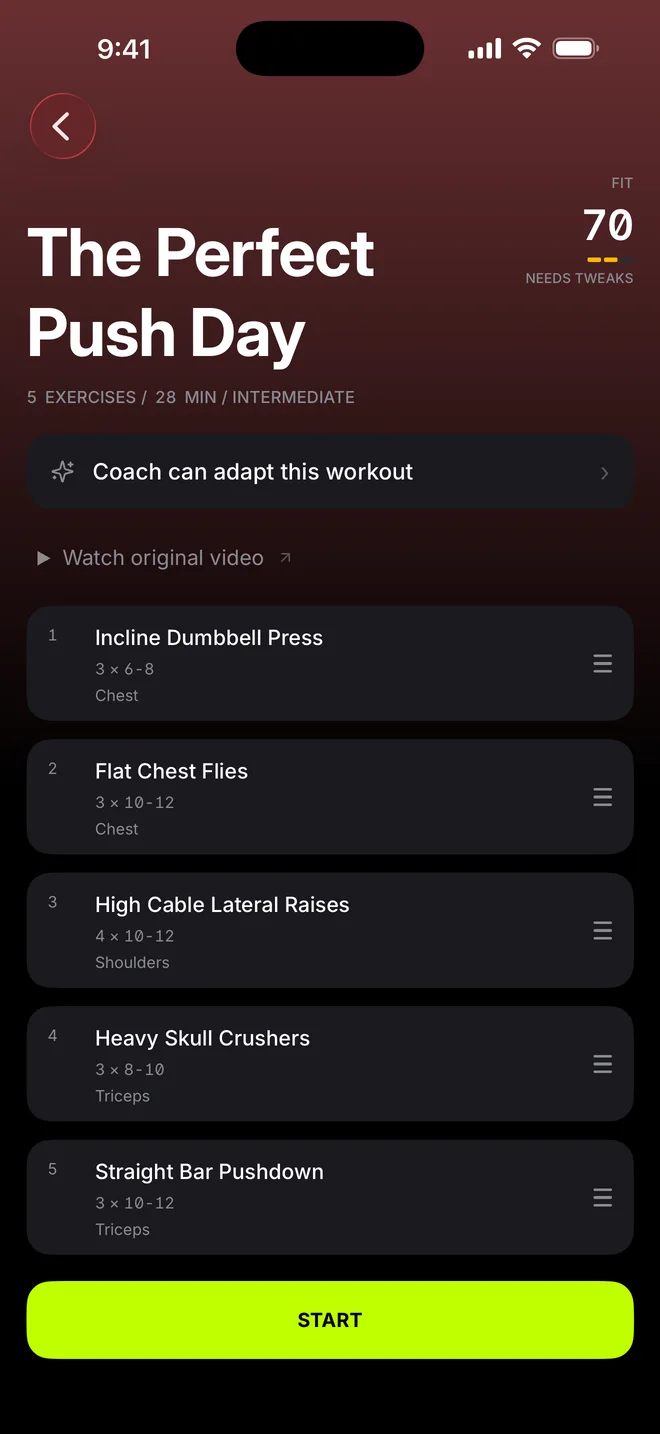
The Perfect Push Day
Example
From a saved video to a plan you can train
1Copy the link
In TikTok, Instagram or YouTube, tap Share, then Copy link.
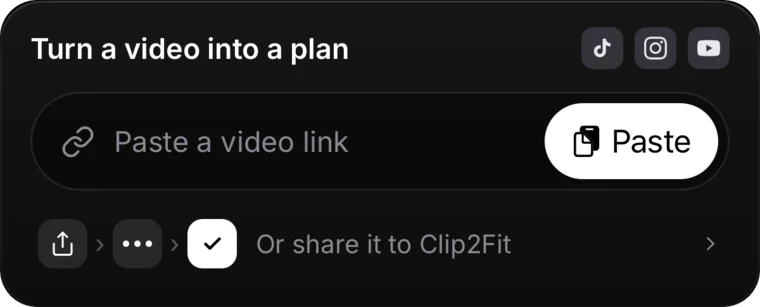
2Paste it
Here or in the app. We read the public video once and write down every exercise with its sets, reps and rest.
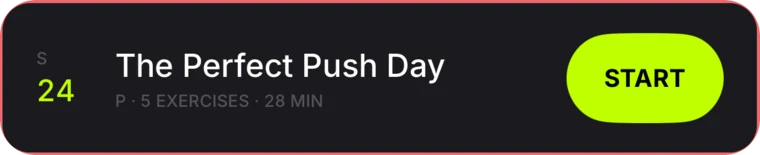
3Train it
Save the plan in the app, put it on your week and log every set.
FIT score · In the app
Will this workout work for you?
FIT starts at 100. Each check is worth points. A check that is off costs them.
Tap a check. In the app, FIT reads them from your own profile.
!1 check off
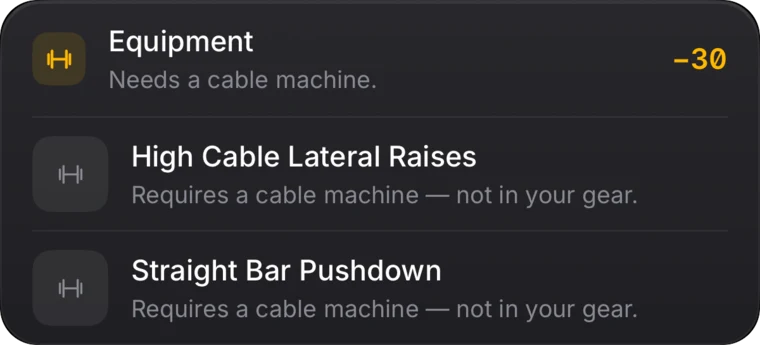
Fits you, except the gear.
Smart Coach
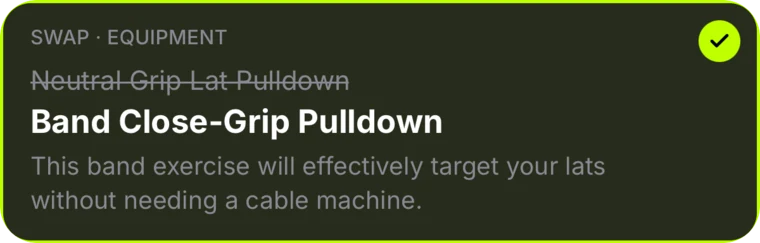
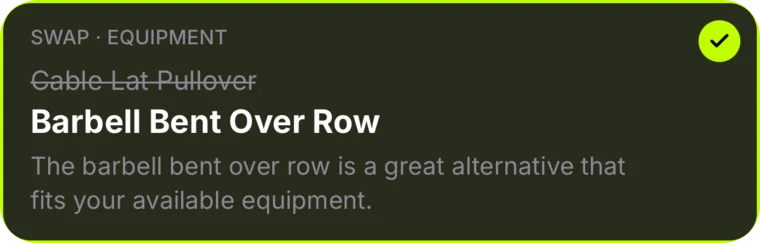
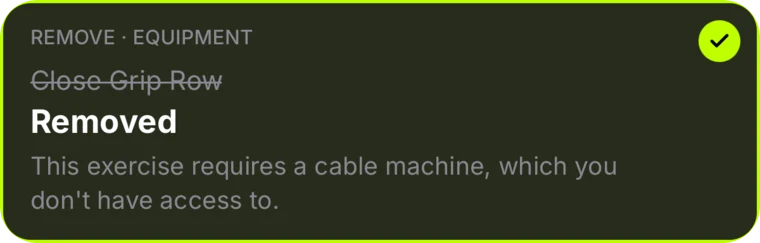
No cable machine? Coach swaps it.
Coach finds what does not fit your gear and proposes a change for each one. Apply them, or keep the plan from the video.

NEXT · SET 2/3 · 45 LBS
Log the set. The timer takes over.
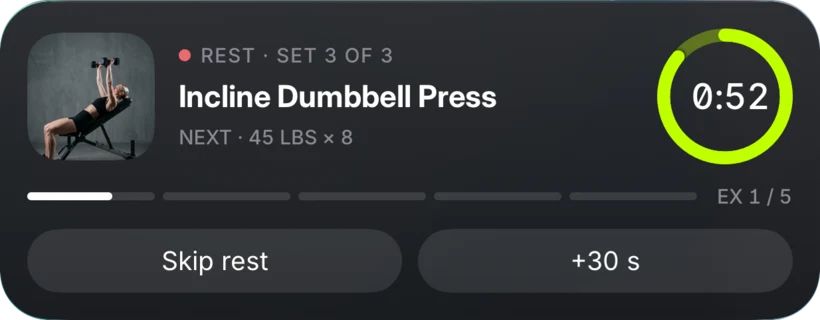
The rest timer fills the screen, and the Lock Screen shows it too.
The app
Everything after the video
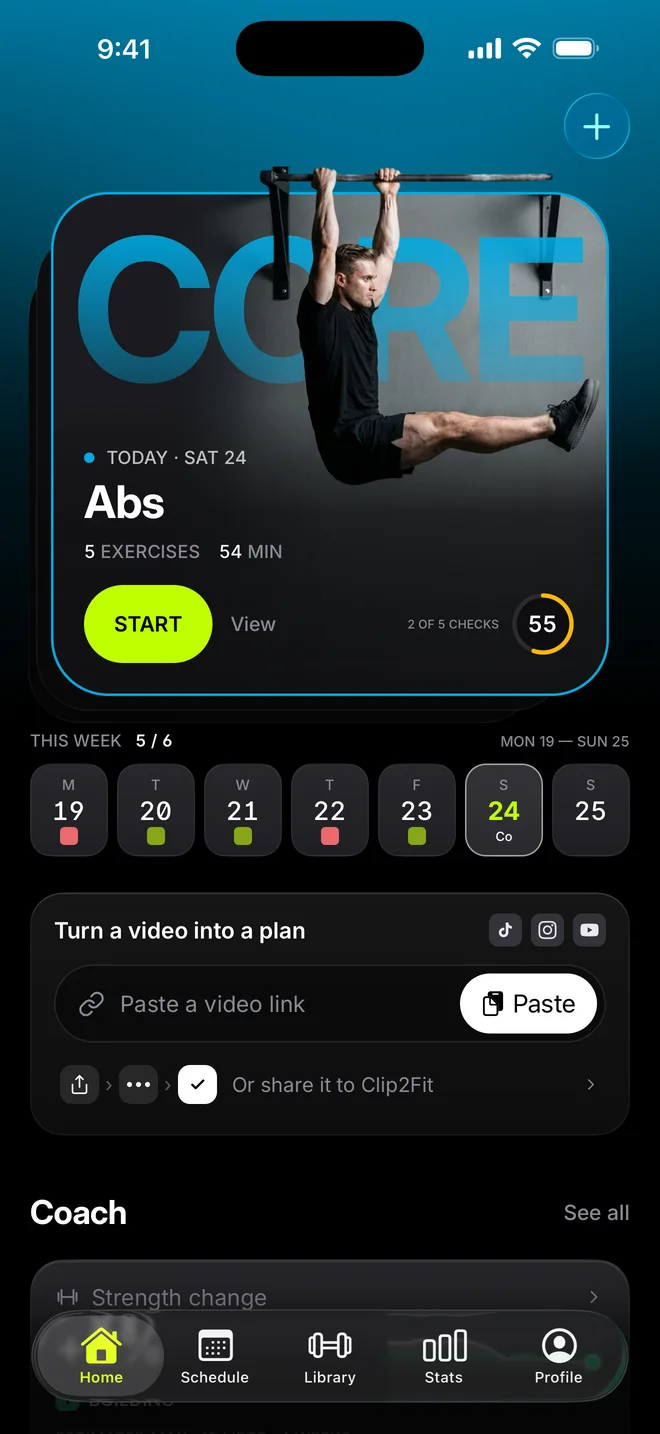
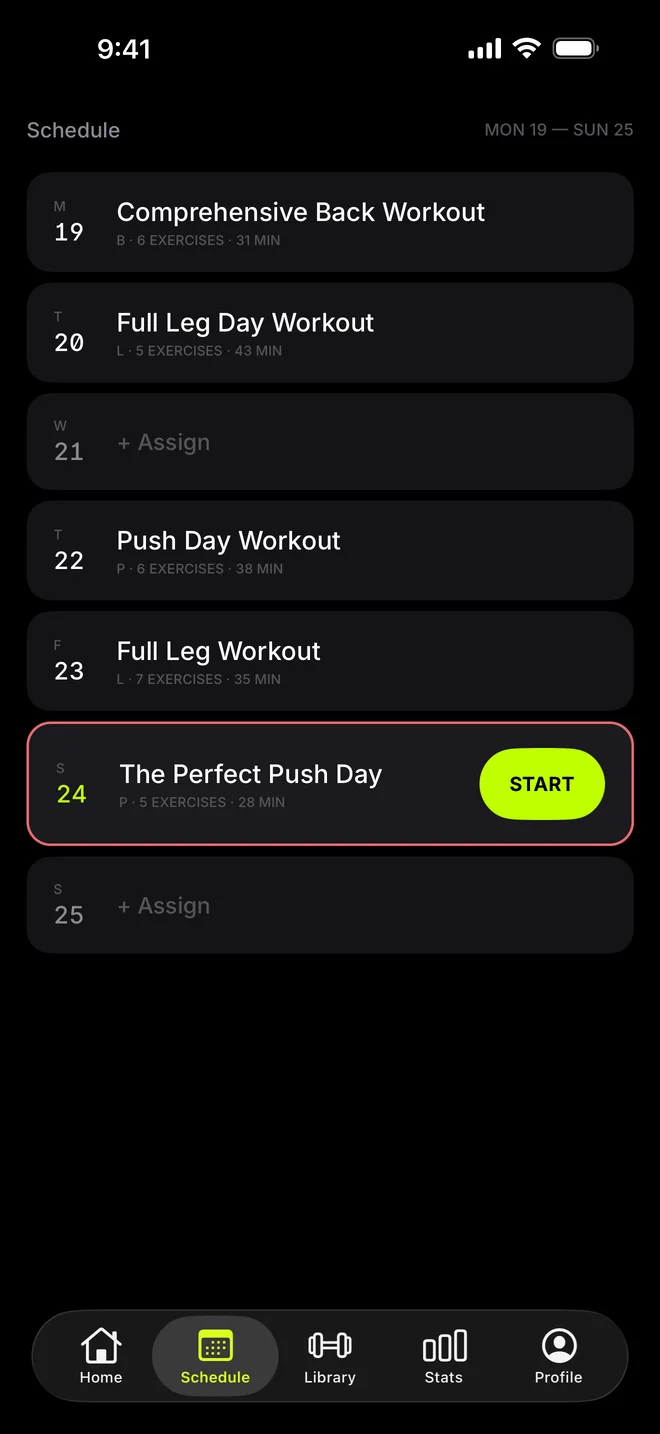
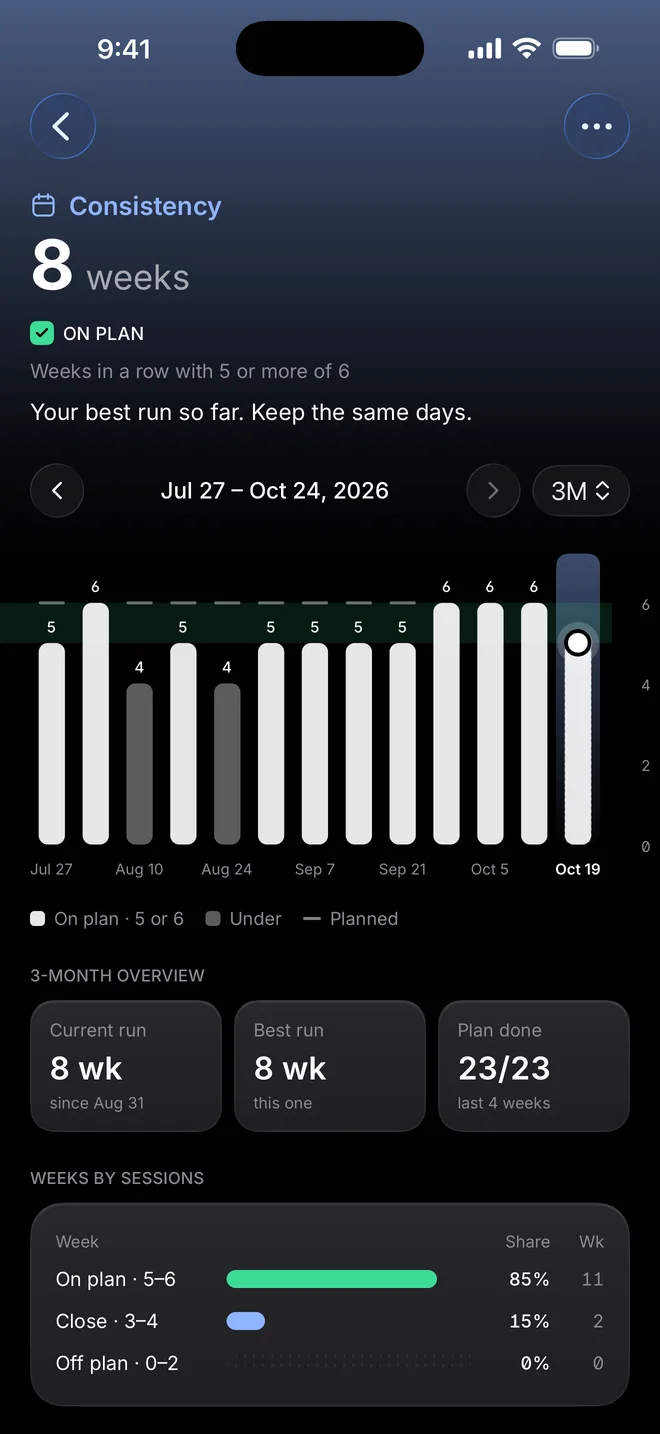
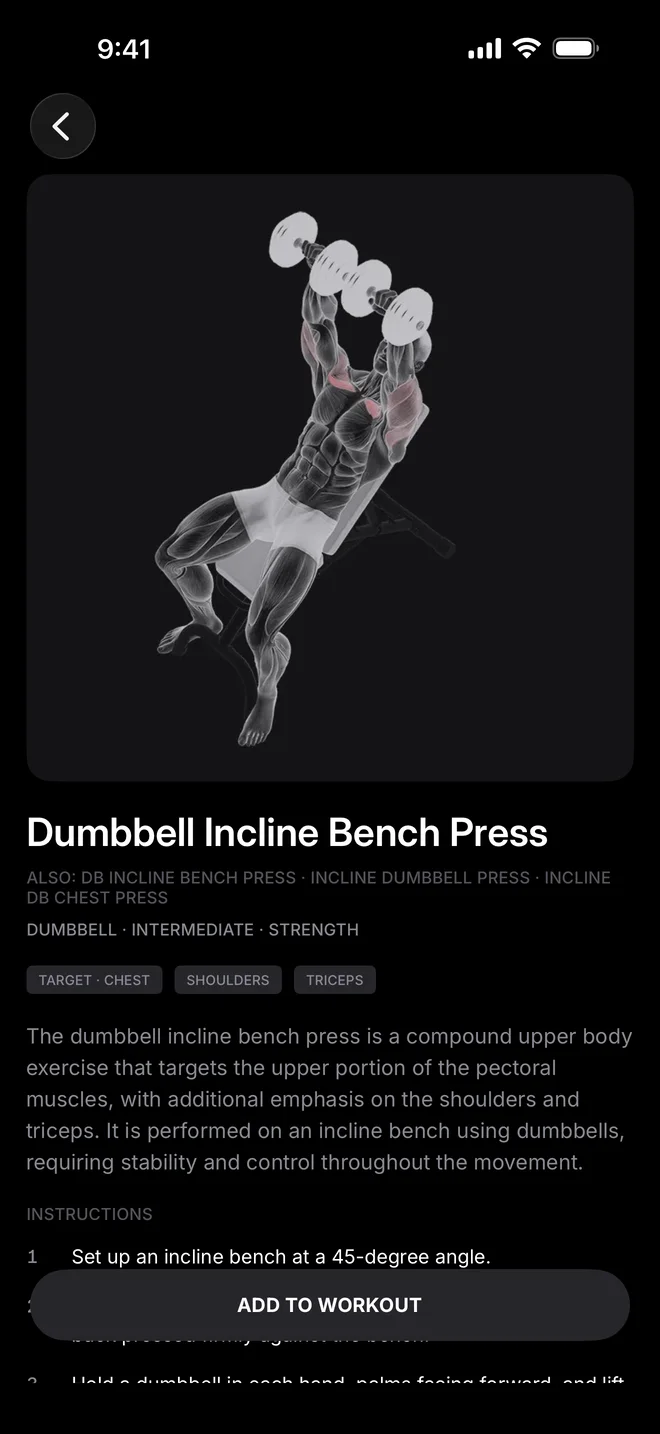
Put plans on your week, see your weeks add up and look up any of 1,300+ exercises.
- Home
- Schedule
- Plan
- Stats
- Exercise guide
Stop saving workouts you never do
Free to start · 1 free video import
Questions
Is the web demo free?
Yes. You can make 3 plans a day with no account. The Clip2Fit app is free to start and includes 1 video import.
Which links work?
A link to one public TikTok video or photo post, Instagram post or reel, or YouTube video or Short. Profile pages, private videos and region-locked videos do not work.
Do you show the video?
No. We read the public video to write the plan. You see the exercises, sets, reps and rest, not the video. The plan links back to the original.
Are the sets and reps right?
The plan follows what the video shows and says. When a video gives no sets or reps, Clip2Fit uses 3 sets of 10. Check the plan before you train. In the app you can edit anything.
Is this your video?
Creators can ask us to remove a plan made from their video. Write to support@clip2fit.app with the link.